
So you want to start your blog and begin your quest towards making money by blogging online?
Well, congratulations to you, fam, because you are on the right page.
And you are about to change and alter your life for good even as you begin to live the internet lifestyle.
Speaking of which, one of the most common complaints or excuse I hear from potential new bloggers is that they don’t know how to install WordPress.
In fact, terms such as FTP and CPanel are like a foreign language, and setting up a database might as well be setting up the space shuttle for a launch for some of these guys.
Now, due to the technology barrier, many wanna-be bloggers never get past the stage of starting their blogs let alone launching or even growing their blogs to the place where it truly becomes hugely successful.
So, if you’re in this same CRAZY situation, then you’ll be happy to know about my new free WordPress installation service.
Is that so?
Well, it’s really simple.
I will install and set up a WordPress blog for you at no cost to you.
Not only that, but I will also install for free the following plugins to get your blog started on the right foot:
- Yoast SEO – for improving your site’s overall search engine and organic traffic
- Contact Form 7 – for collecting feedback from your blog users/audience
- W3 Total Cache – for optimizing your blog speed and performance
- WP-Optimize – for cleaning your database
- Related Posts for WordPress – for showing related posts
- Akismet – for protecting your blog from spammers
- JetPack by WordPress – for checking your site’s statistics
Why you should use InterServer’s Cheap WordPress Hosting?
- Excellent server performance – average hosting uptime above 99.97%
- Fastest budget hosting – TTFB below 220ms
- Price lock guarantee for shared and VPS hosting
- 100% in-house customer supports
- Good billing practices with 99.9% uptime SLA
- Free sites migration for new customers
- Highly customizable VPS hosting plan
- 20 years of proven business track record
About InterServer, the Company:
- Headquarter: Secaucus, New Jersey
- Established: 1999
- Services: Shared, VPS, dedicated, and co-location hosting

Free WordPress Installation Service + Plugins Explanation
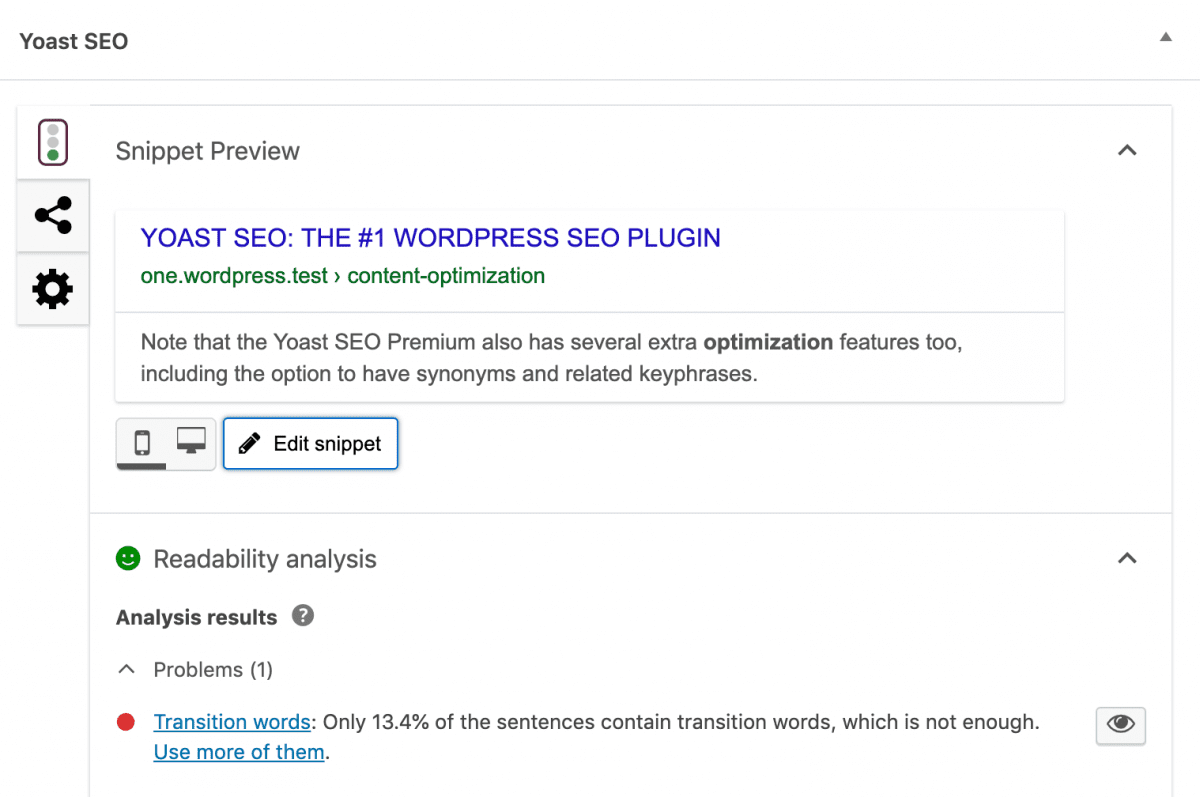
Yoast SEO is the ultimate SEO plugin for WordPress and will help your blog rank higher with the search engines.
If you aren’t yet familiar with search engine optimization or keyword research, I’d suggest you check out my post on How to Write SEO Friendly Content that helps you drive targeted website traffic.
In that post, I mentioned how you can use Yoast SEO and how to use the nifty SEO tool to do proper On Page SEO Optimization to gain website traffic.
To put the icing on the cake, I’ll also set up your new blog with search engine friendly URLs. Plus, I will make sure to set all of the configurations that will help your blog rank quickly on Google’s SERPs and other search engines on the internet.
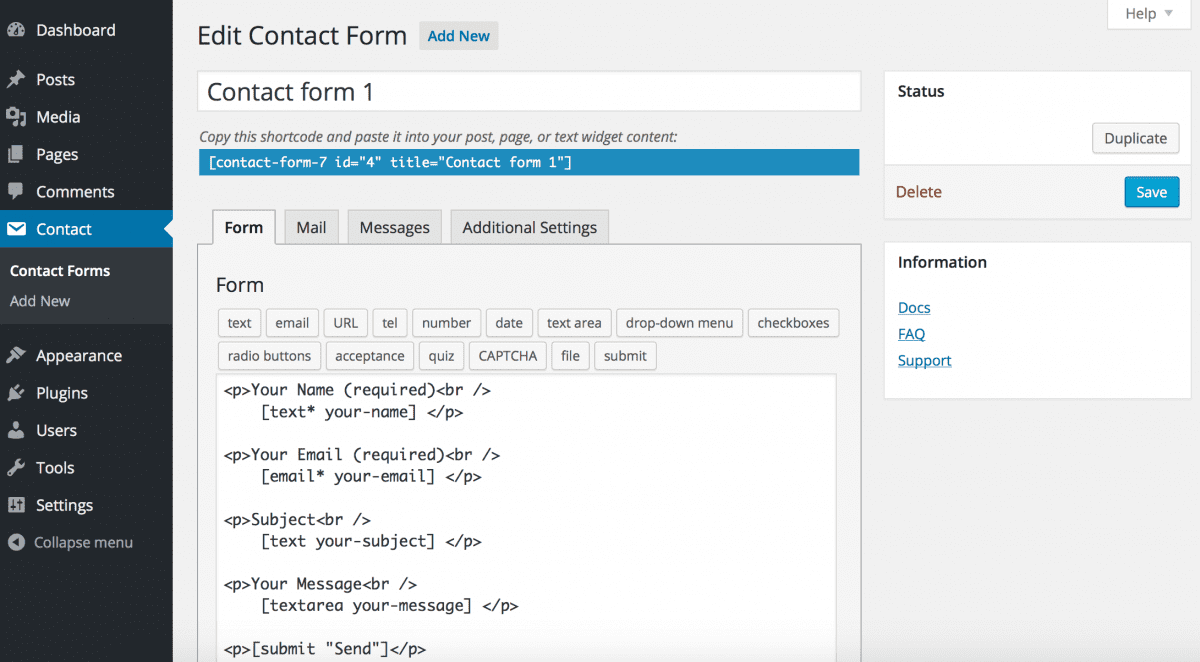
CF7 helps you easily collect feedback from your blog’s audience. It’s also a channel for you to promote your social media links.
If you would love to see contact form 7 in action, then visit my blog’s contact page here to see how it looks like.
W3 Total Cache is one of the best WordPress plugins on the WordPress Plugins Directory.
Its main job is to make your website or blog loads faster while also handling effectively the huge website visitors your blog accrues.
Like every WP Rocket or WP Super Cache, it helps to boost your website load time and speed up her performance.
With this tool, you no longer have to worry about your website taking 5mins to load up.
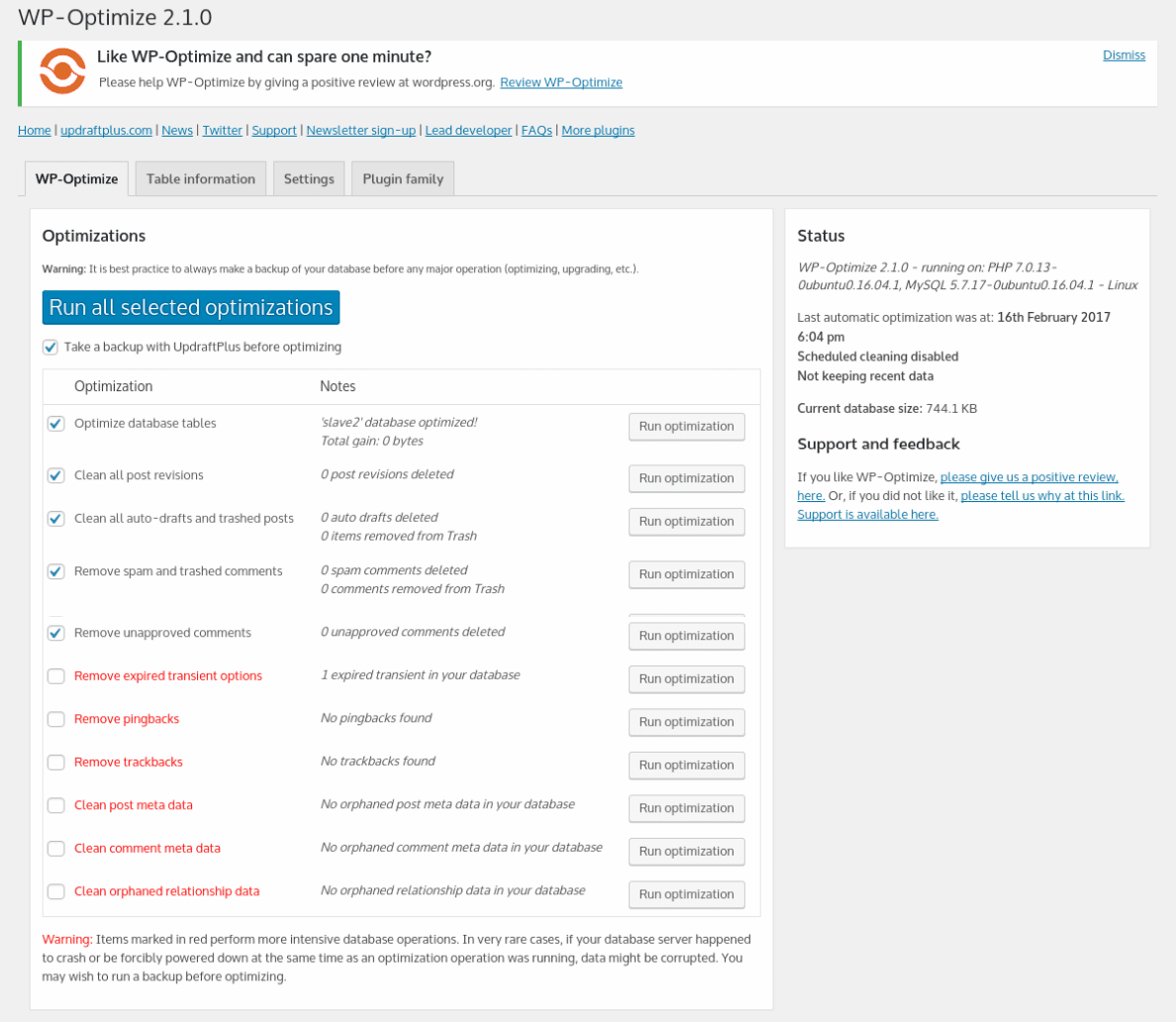
WP-Optimize is a powerful WordPress tool that helps you optimize your WordPress Blog’s database and makes it function the way it ought to without fear of whatever glitches that may arise in slowing or affecting your blog’s overall performance.
Related Posts for WordPress helps you to display some related posts to the latest articles you are publishing.
Actually, it looks something like the image below.
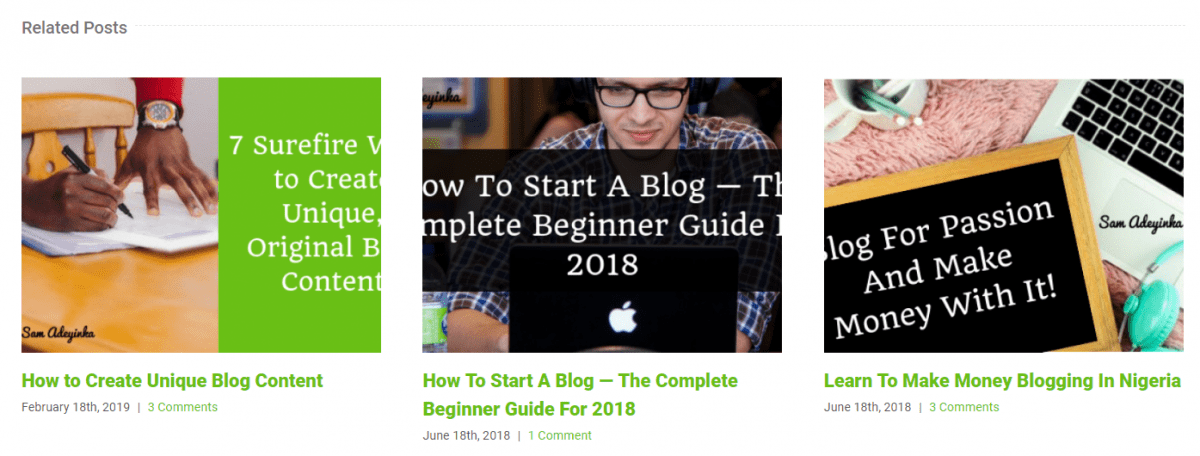
Well, using the related posts for WordPress plugins does a simple job at helping you increase your page views as well as increasing the time your website visitors spends on your blog, which inevitably helps to reduce your bounce rate inside Google analytics.
Makes sense?
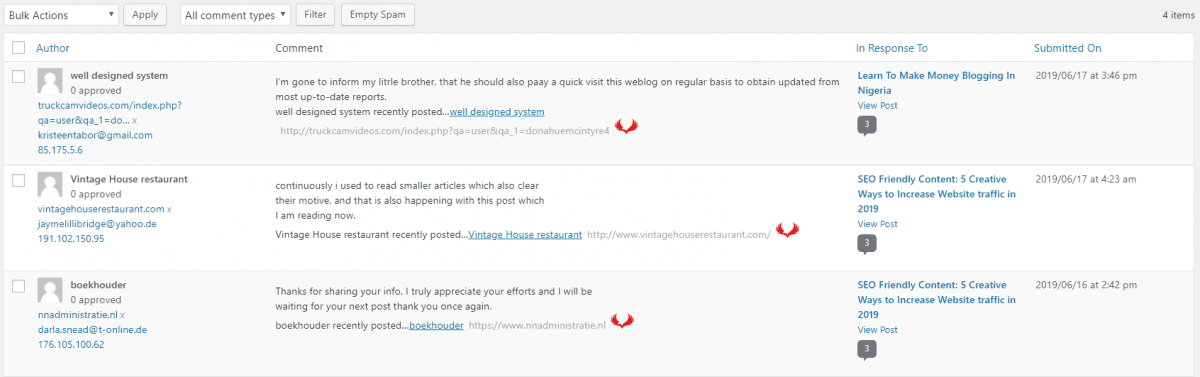
As its name infers, the Akismet Anti Spam plugin helps you deal with spam comments from people trying to use your website as a bait for building their site’s backlinks.
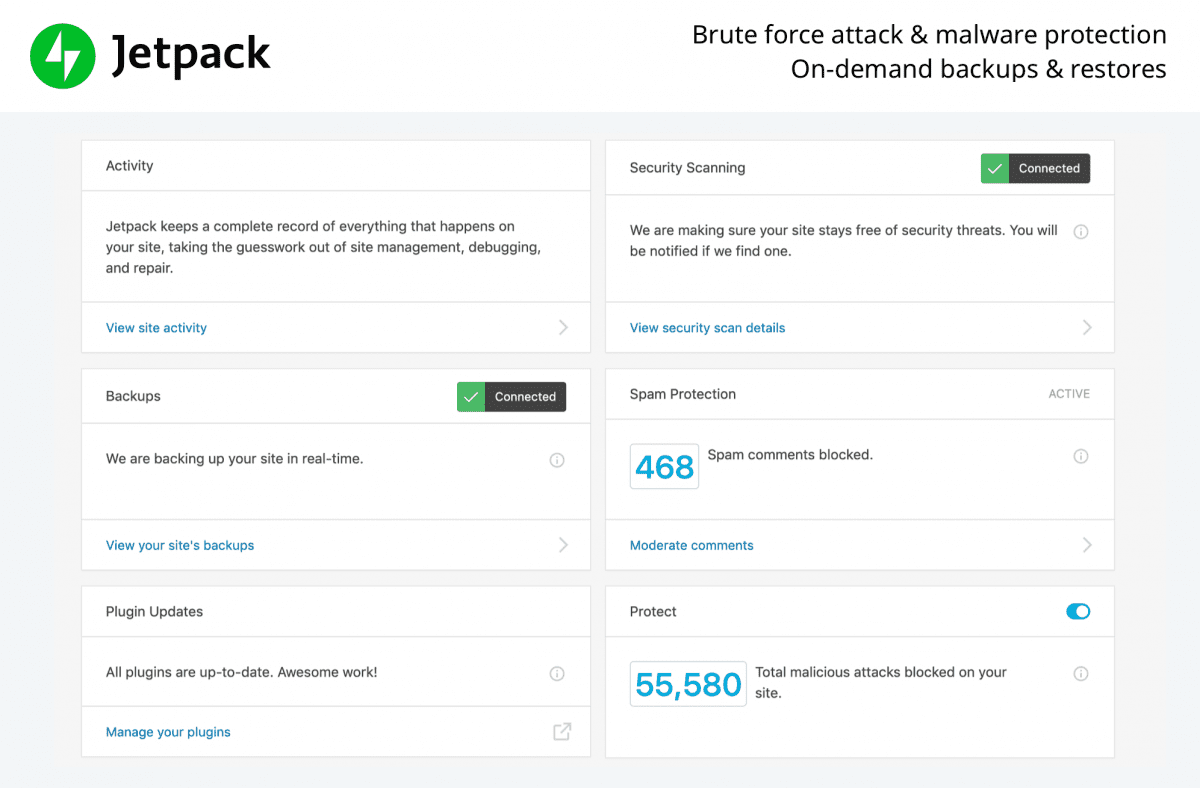
JetPack plugin lets you know who is visiting your blog, where they are coming from and how to improve your site’s by developing even better content that attracts and engages.
It also helps you to check the statistics of how many people visited your website, where they are coming from, which post they clicked to get to your blog, and most importantly, it tells you which of your links and offers they are clicking.
These are some of the best WordPress plugins available in the WordPress Repository and they’re included free with the WordPress installation service.
Want my Free WordPress Templates Installation Service?
One of the quickest and easiest ways to design your own website is in making use of a Paid or Free WordPress Template.
As a bonus of taking me up on this offer, I’ve decided to include this service.
The good thing is, I will not just help you install this free WordPress template, I will also help you to tweak and design your website overall look and fill.
Sounds interesting?
Well, yeah, it does!
“Dude, what’s The Catch?”
Actually, there ‘s no catch.
This program is being sponsored by InterServer.
These guys are my official WordPress hosting company and I host all my blogs on their cheap WordPress hosting plans.
And believe me, guys, InterServer.net is one of the best managed WP hosting companies on the web today, and I’ve partnered with them to help you create your own website for FREE.
Guys, believe me, if you were to pay someone to install WordPress and the plugins for you, it would cost you at least $100.
To get the free WordPress installation service, all you have to do is order a web hosting plan from InterServer. Then forward me the login information to mailsam [at] samadeyinka.com and I’ll install WordPress for you.
As soon as I am done installing your website, I’ll email you back the login information for your new WordPress blog and you can start blogging!
Click Here To Order Your New WordPress Blog
I will also include instructions on how to change all your login passwords. I will not keep any of the forwarded information from InterServer. Once WordPress has been set up, I will destroy the email.
WordPress Theme Installation Service – 5 Best Free Themes for WordPress

I am not about fluff!
I always like to give my all anytime I set out to help people.
As part of my free WordPress installation service, I’ve also included some free WordPress themes you could pick up, install, tweak and use to design your own website in less than 2hrs.
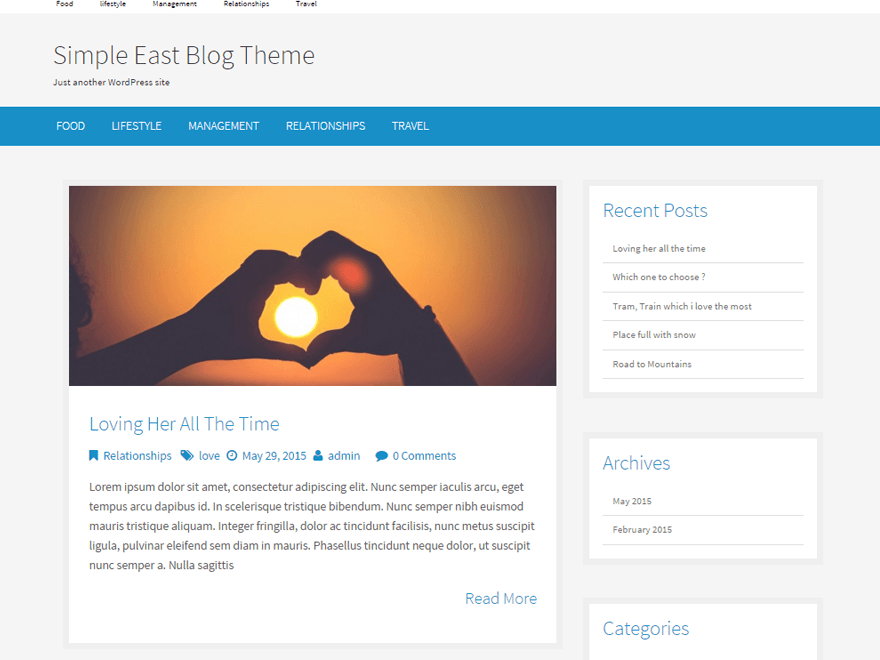
#1. Simple East – Free WordPress Theme
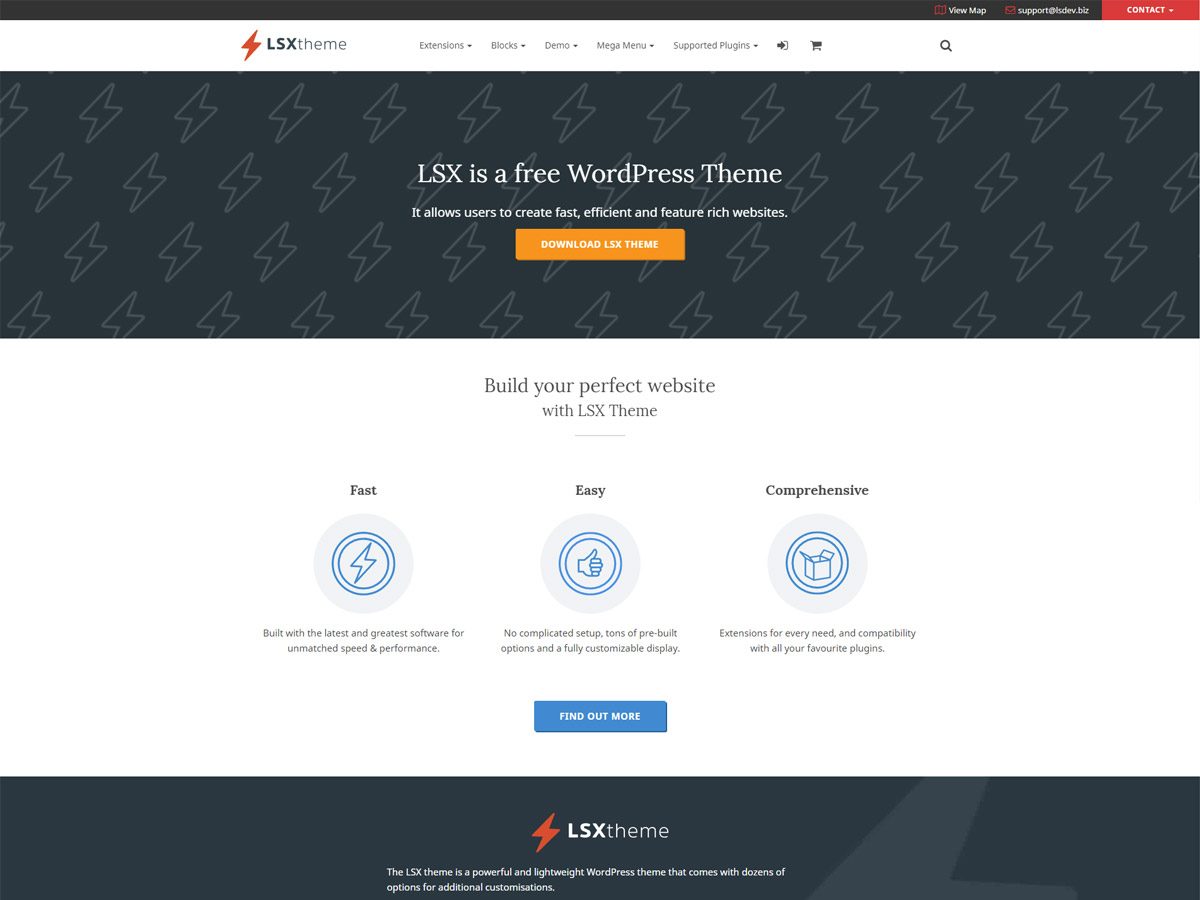
#2. LSX – Free WordPress Theme for ecommerce
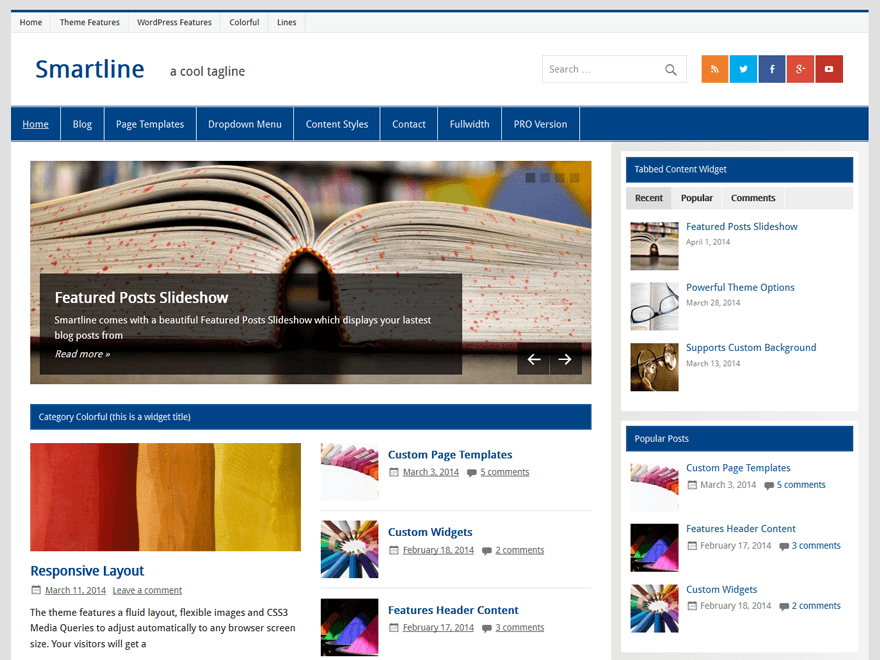
#3. Smartline Lite – Free WordPress Theme Download
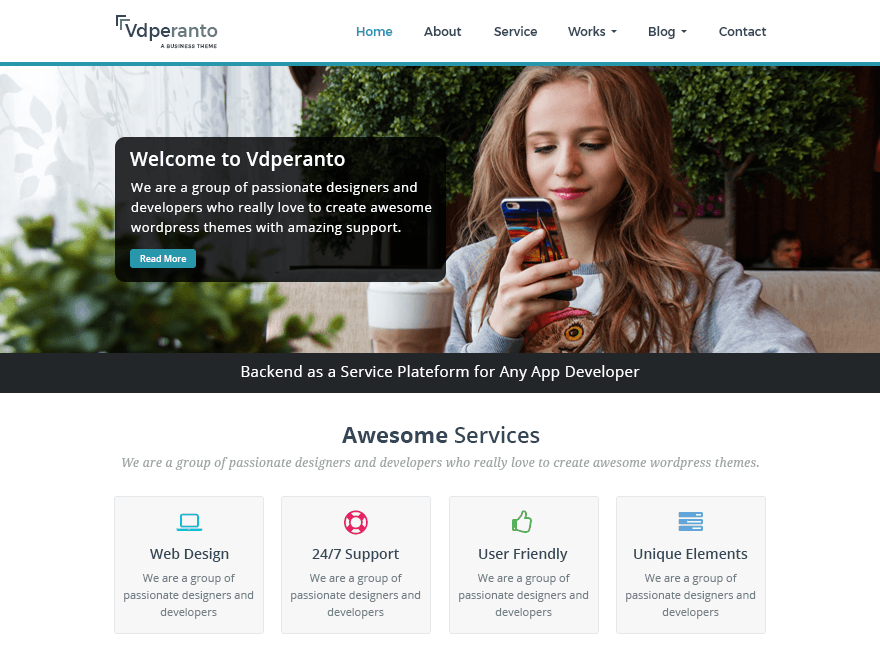
#4. vdPeranto – Free WordPress Theme for Business
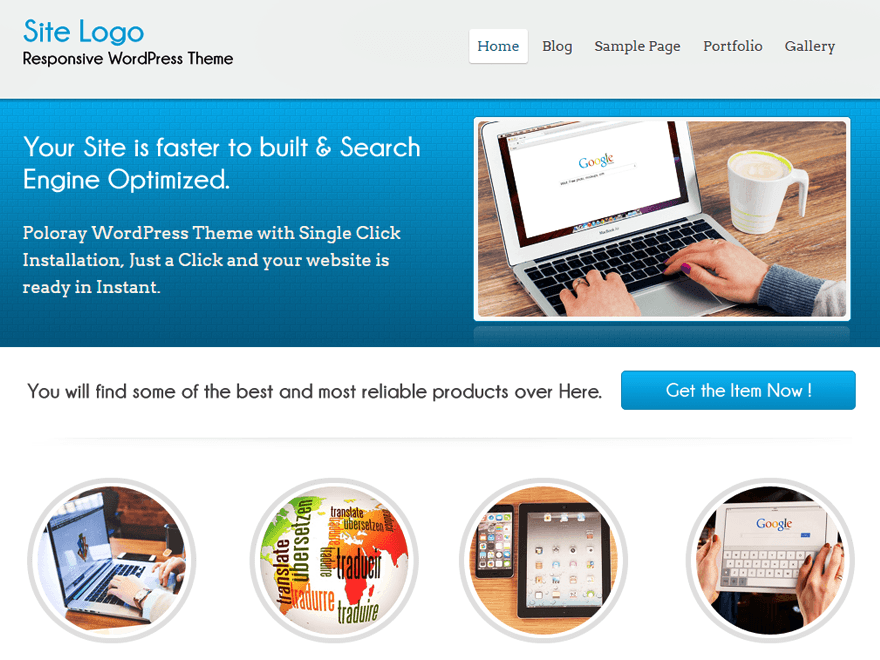
#5. Poloray – Free WordPress Theme for Blog
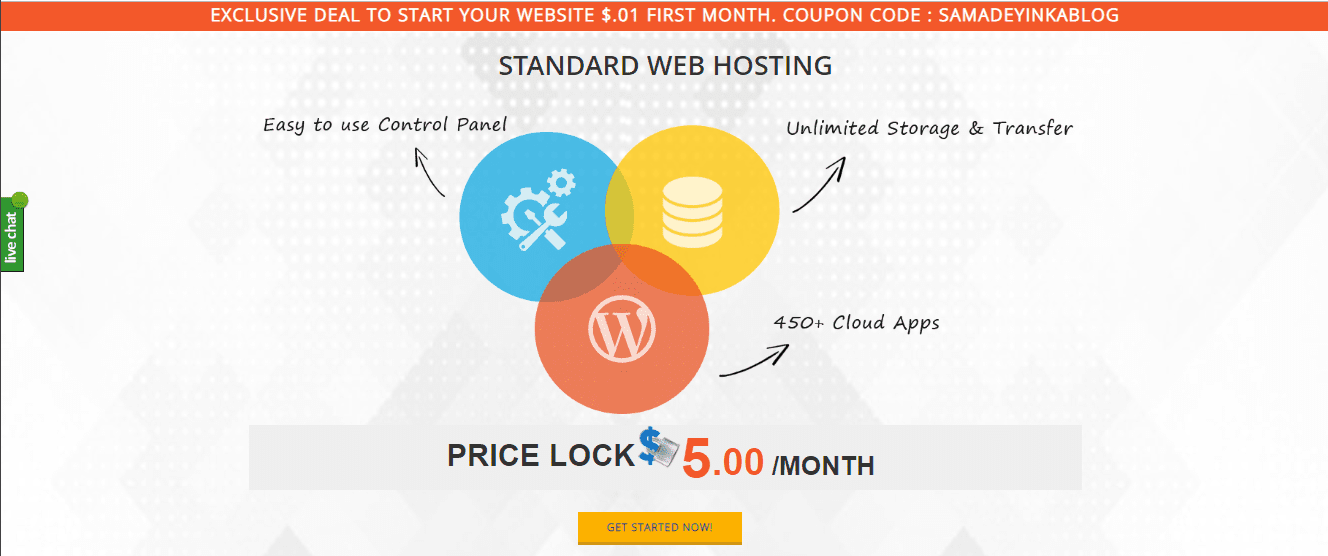
Free WordPress Installation – Get Almost 99% Off (1st Month Only) Any Web Hosting (10% off yearly) Plan Right NOW!
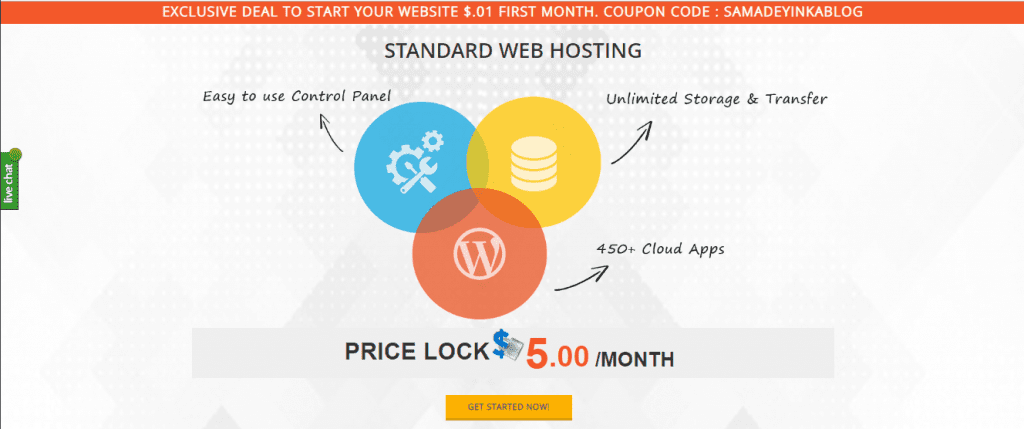
Word class web hosting doesn’t have to cost you an arm and a leg. InterServer WordPress hosting plans start as low as $6.95 per month.
However, InterServer has a special deal for Sam Adeyinka dot Com readers that will give you 10% off that already low price. With the discount, you can start your blog for only $.01 for the first month or $54 dollars for one (1) whole year!
Not only will you get your hosting at a great discount, but I will also top that up by sending you two (2) Premium WordPress Templates to start designing your blog with from when you take the decision to jump on this offer!
If you’re ready to start blogging right now, and I mean RIGHT NOW, then head over to InterServer, order your hosting plan and I’ll get you started.
But let me do a quick walkthrough…
…what do you think?
Well, I will share. ?
But wait…
Did I hear you ask…
…How much does your WordPress Installation Service Cost?
It cost just $49 using my special coupon code: SAMADEYINKABLOG.
And the good thing about this Free WordPress Blog Setup service is that you also have access to my special add-ons, which include:
- Free Domain name
- WordPress installation
- Custom theme installation (Only if you provide a theme)
- Essential and recommended plugins installation
- Creation essential blog pages
- Gravatar Image Setup
- Add your site to Google & Bing webmaster tools and sitemap submission
- Secure your WordPress site against hackers
In here, we are offering free WordPress installation for InterServer Web Hosting Only. InterServer is one of the best web hosts if you are thinking to run a WordPress website/blog.
Apply the promo code “SAMADEYINKABLOG” to get InterServer (VPS or shared hosting) at $0.01 first month
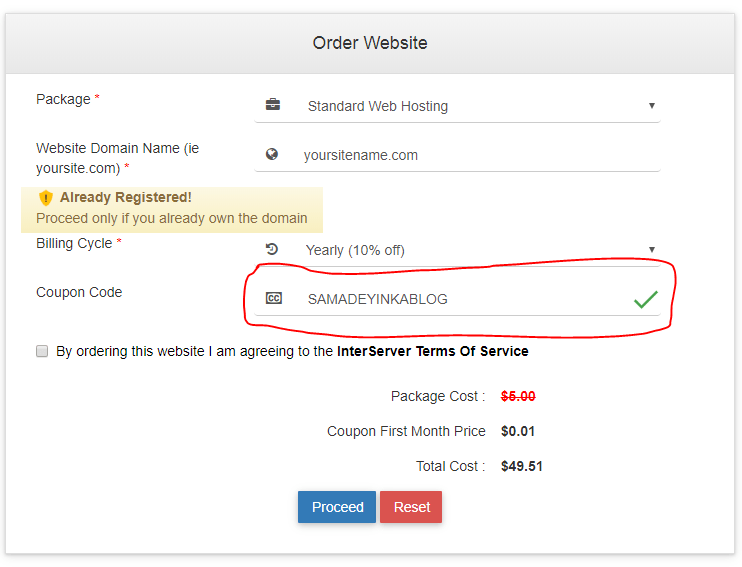
Order page at Interserver.net – the promo code “SAMADEYINKABLOG’ will be inserted automatically if you visit this special discount page.
Do you still need the WordPress Installation Service?
To get my free WordPress installation service, you need to purchase InterServer web hosting through my InterServer affiliate link. When you are done with the purchase of your web hosting plan through my affiliate link, then I’m ready to provide this free WordPress installation service to you Free of Charge.
The Process:
- Forward me the login information & a picture or graphic image to mailsam [at] samadeyinka.com (or a simple image will be used. You can always change it after)
- I am going to help you install WordPress
- I will install the plugins
- I am also going to create the essential blog pages
- I’m going to add your profile image (picture or graphic)
- Once installed, you will receive a confirmation email from me. This email will include:
- Login information for your new WordPress blog
- Links to pages created
- Confirmation of graphic image uploaded
- Enjoy your new blog and start blogging!
Wrapping Up: Jump on this offer today to enjoy my FREE WordPress Setup Services!
You really do not have any excuse of not creating your own website as I’ve provided all the information and help you will ever need to build your own website today for FREE.
Click Here To Order Your New WordPress Blog